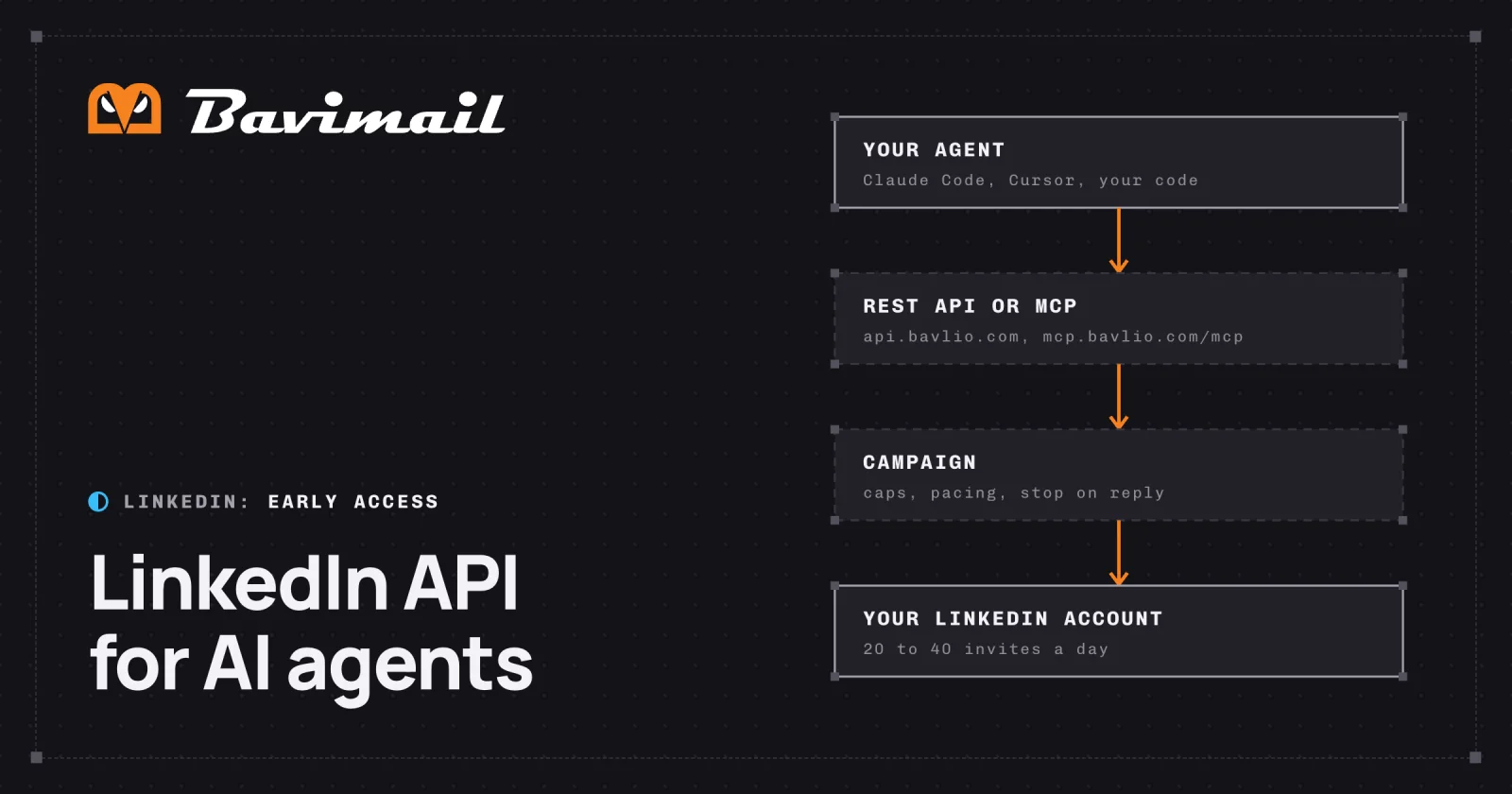
What LinkedIn's own API allows
LinkedIn gives every developer three open permissions: sign in (name, headline and photo), the member's email address, and posting, commenting and liking as that member. Sending connection requests and messages is not among them. Every other permission needs LinkedIn's approval through a partner program, such as the Sales Navigator Application Platform (LinkedIn, checked October 14, 2026).
So you connect your own LinkedIn account once, in the Bavlio dashboard, and every action runs as that account.
What an agent can do
| Action | How the agent does it | Limit |
|---|---|---|
| Send a connection request with a note | A connection_request step in a campaign | 20 a day on a free account, 30 on Premium, 40 on Sales Navigator, and 100 per rolling 7 days |
| Send messages after the request is accepted | message and follow_up steps in the same campaign | 100 a day per account by default |
| Read the inbox | GET / and GET /, or the MCP tools bavlio_list_inbox and bavlio_get_thread | |
| Reply in a conversation | POST / | Existing conversations only |
| Search LinkedIn for people | POST / | 50 a day, 10 an hour, 1 credit each |
| Look up a profile | The campaign looks each person up right before their invitation | Bulk lookups: 20 a day, one at a time |
- Connection requestsFree account20
- Connection requestsPremium30
- Connection requestsSales Navigator40
- MessagesBy default100
- LinkedIn searches10 an hour50
- Bulk profile lookupsOne at a time20
Source: Limits enforced by Bavlio's outreach engine in production, checked October 14, 2026.
Guardrails
- Caps. Daily and weekly connection request caps, a daily message limit and a 14-day warm-up for newly connected accounts. The numbers are on LinkedIn automation limits.
- Pacing. A campaign sends in 2 to 5 short sessions a day inside its sending window, not all at once.
- Stop on reply. A reply takes that person out of the sequence. No further steps send.
- Opt-outs. A person who asks to stop goes on the suppression list and gets no further messages on any channel.
- Preview.
bavlio_preview_messagereturns the exact message a given person will receive, before launch. - Credit quotes. Lead search returns its maximum cost first and spends nothing until the agent confirms.
How an agent reaches it
- REST API at
api.bavlio.com, authenticated with abav_live_API key. - MCP server at
https://mcp.bavlio.com/, a hosted server over streamable HTTP with OAuth 2.1 sign-in, for Claude Code, Cursor, Claude Desktop and VS Code. See LinkedIn MCP server.mcp
Send email from your agent today
Email runs on Bavimail, which is live with a free plan and no credit card. With an API key and an alias from the dashboard, this sends one email with the Node SDK, from the quickstart:
npm install bavimailimport { Bavimail } from 'bavimail'
const client = new Bavimail({ apiKey: process.env.BAVIMAIL_API_KEY })
const email = await client.emails.send({
aliasId: 'your-alias-id',
toEmail: '[email protected]',
subject: 'Hello from Bavimail',
body: '<strong>Your first email</strong>',
})
console.log('Sent:', email.id)See inboxes for AI agents for every channel's status.